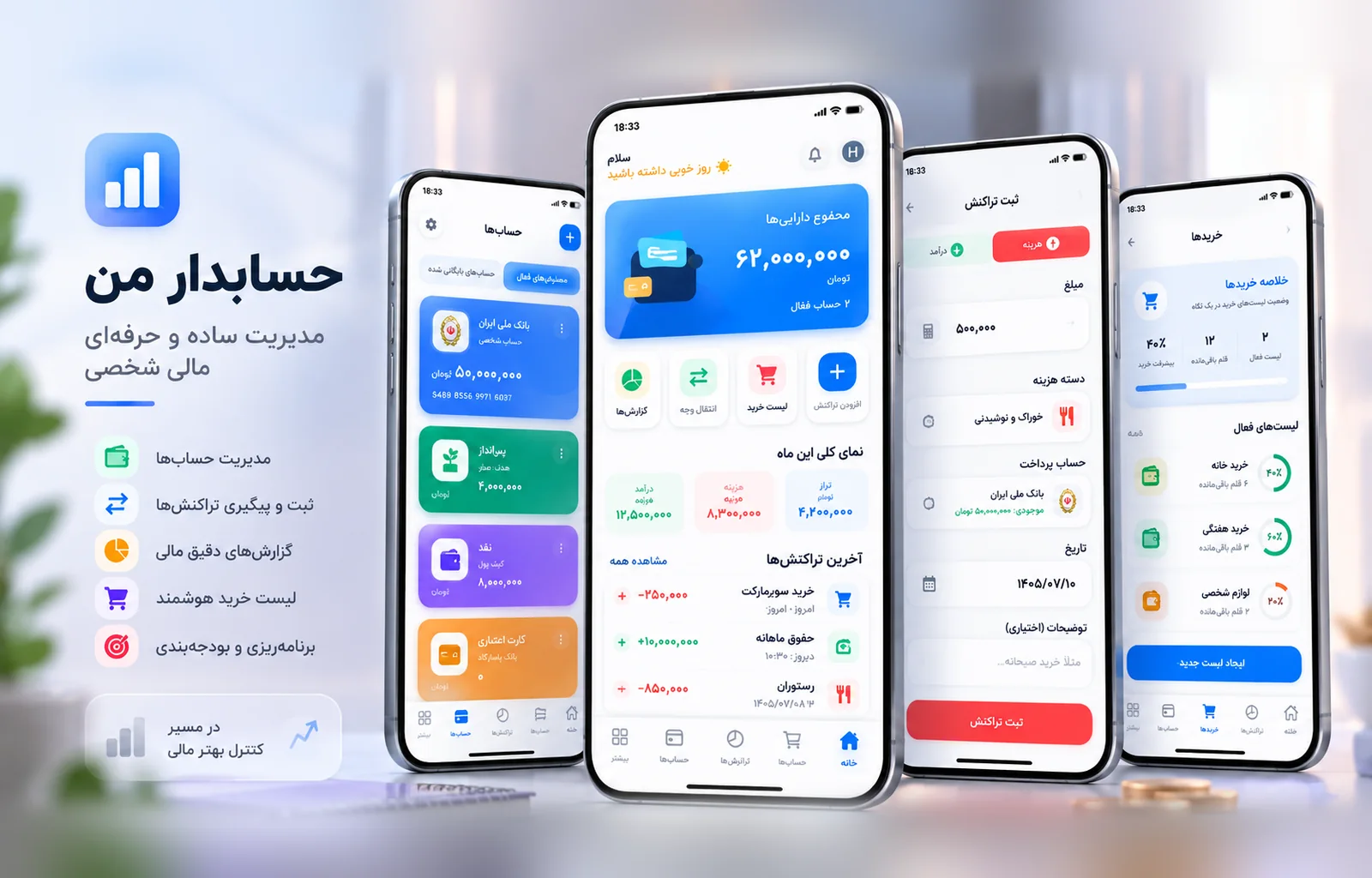

Having a dedicated app can be very appealing for a business.
An icon on the user’s phone, a more personalized experience, push notifications, faster access, and capabilities that go beyond a standard website can all be valuable.
But there is one important point:
Not every business needs an app.
In some projects, building a mobile app is the right decision and can significantly improve the customer experience, team productivity, or service quality. In others, the same problem can be solved more effectively with a strong website, a Web App, or even a simpler internal tool.
The real question is not:
Should our business have an app?
A better question is:
What exactly is the app supposed to improve?
An App Should Solve a Real Need
One of the most common mistakes is building an app simply because “competitors have one” or because “having an app looks more professional.”
If the app does not solve a meaningful problem, it can quickly become a product that costs money to build and maintain but has very little real usage.
Start With the User Experience, Not the Technology
Before deciding to build an app, it is better to examine how users interact with the service.
Do they return frequently?
Do they need quick access without opening a browser every time?
Are features such as the camera, location, notifications, or offline access important to the core experience?
If the answer to these questions is yes, a mobile app may be a logical choice.
An App Should Not Be a Smaller Version of the Website
If the app only displays the same website content with a slightly different interface, it usually does not create enough value.
A good app should take advantage of mobile-specific capabilities and interaction patterns that are harder to deliver well in a browser.
What Is the Difference Between a Website, Web App, and Mobile App?
Before choosing a direction, it helps to understand the role of each one.
A Website Is Best for General Access and Discovery
A website is usually the strongest starting point for presenting a business, publishing content, showcasing services or products, and attracting visitors through search engines.
Users can access it immediately without installing anything.
For many businesses, that low barrier to entry is extremely important.
A Web App Is Suitable for Interactive Browser-Based Experiences
A Web App can feel very close to an application while still running inside the browser.
Management dashboards, customer portals, ordering systems, internal tools, and many SaaS products can work very well as Web Apps.
A Mobile App Makes More Sense When Mobile Is Central to the Experience
If the product is used frequently, personally, quickly, or depends heavily on device capabilities, a Mobile App can be a stronger choice.
In that case, the app is not simply another channel.
It becomes part of the core product experience.
When Does a Custom App Make Sense?
There are several common situations where a mobile app tends to create more value.

When Users Return Frequently
If users interact with the product daily or several times a week, an app can reduce friction.
Faster access, persistent sessions, saved state, direct entry from the home screen, and personalized experiences become more valuable.
Finance, task management, health, education, transportation, and recurring service products often benefit from this.
When Notifications Are Part of the Experience
For some products, timely communication is an important part of the service.
For example:
- reminders
- order status changes
- new messages
- important alerts
- payment notifications
- workflow updates
In these cases, push notifications can significantly improve the user experience.
When Camera, GPS, or Device Files Matter
If the product needs access to the camera, location, contacts, files, or other device capabilities, a Mobile App can usually provide a more natural experience.
When Does Offline Access Matter?
Users do not always have a stable internet connection.
In some products, that is more than a minor inconvenience.
It is part of the real usage environment.
An App Can Temporarily Store Data on the Device
A user may be working in a warehouse, factory, vehicle, field location, or an area with poor connectivity.
The app can store information locally and synchronize it with the server later.
Offline-First Can Be a Core Requirement
If the service needs to remain usable without an internet connection, that requirement should be considered from the beginning.
Adding reliable offline behavior at the end of a project is rarely simple.
Apps Are Not Only for Customers
When people think about apps, they often think of customer-facing products.
But many valuable apps are built for internal teams.

Internal Apps Can Make Operations Faster
For example:
- recording site visits
- order control
- workforce management
- operational reporting
- photo capture
- approval workflows
- inventory management
- field services
In these cases, the goal is not to attract a large public audience.
The goal is to make a team’s work faster, more accurate, and easier to track.
The Value of an Internal App Is Not Measured by Its Visual Appeal
An internal app may have only a few hundred users.
But if it saves several hours of work every day, its business value can be significant.
When Is Building an App the Wrong Decision?
Knowing when not to build an app is just as important.
When Usage Is Infrequent
If a user only needs the service once or twice a year, the likelihood of installing an app is low.
In this situation, the web usually creates less friction.
The user opens a link, completes the task, and leaves.
When the Core Problem Is Still Unclear
If the product is still testing market demand and user needs are not fully understood, building a complete app may be too early.
A simpler MVP can help validate behavior before a larger investment is made.
When Maintenance Has Been Ignored
An app is not built once and forgotten.
Operating systems change, libraries are updated, bugs appear, and new capabilities require ongoing development.
Without a maintenance plan, the product can become outdated quickly.
The Cost of an App Is More Than Initial Development
A realistic app budget should include much more than interface design and coding.
Backend and APIs Are a Major Part of the Product
Many applications need a real backend.
Authentication, data storage, payments, notifications, file handling, user management, and integrations all require infrastructure.
In some projects, the backend is more complex than the app itself.
An Admin Panel Is Often Required Too
The business team usually needs a way to manage users, content, requests, or operations.
That means an app project often also includes a web-based administration system.
MVP or Full Product?
For most new products, starting with an MVP is the more practical choice.
MVP Means Building the Smallest Version That Creates Real Value
An MVP is not the same as building a poor-quality product.
The idea is to build the most important user journey with the least unnecessary complexity and test it in the real world.
Real Feedback Is Better Than Early Assumptions
Many features that seem essential at the beginning turn out to be less important once users start using the product.
At the same time, some critical needs only become visible after real usage.
An MVP helps future decisions rely on evidence instead of assumptions.
Native or Cross-Platform?
One of the major technical decisions in app development is choosing how the app will be built.
When Does Native Development Make Sense?
Native development can offer the deepest access to operating system capabilities and the highest level of control.
It can be a good choice for products with very strict performance requirements or deep dependencies on platform-specific features.
Cross-Platform Is Often More Practical
When a business needs both iOS and Android while keeping development time and cost under control, a cross-platform approach can be very effective.
Frameworks such as React Native or Flutter allow teams to share a significant part of the application logic and interface across platforms.
The choice should be based on product requirements, not only the technical preferences of the development team.
Security and Data Should Be Considered From the Beginning
Applications often work with user data, sessions, tokens, files, and sometimes sensitive information.
Security should not be postponed until the end of the project.
Sensitive Information Should Not Be Stored Carelessly on the Device
Passwords, tokens, financial data, and sensitive information should be handled appropriately.
Communication with the backend should also be secure and controlled.
Permissions Should Be Clearly Defined
Not every user should have access to every piece of data or every action.
Roles, permissions, and server-side authorization should be part of the product architecture.
The Mobile Experience Should Be Designed Independently
A mobile interface should not simply be a compressed desktop experience.
Mobile users behave differently.
The screen is smaller, interaction is touch-based, and users usually expect faster flows.
User Journeys Should Be Short
A simple task should not require several unnecessary screens and forms.
Primary actions should be clear, and the amount of input required from the user should be reduced wherever possible.
Small Details Matter
Loading states, empty states, errors, feedback after actions, keyboard behavior, and navigation all affect the perceived quality of an app.
A professional app is not only attractive on the home screen.
It should feel reliable during everyday use.
An App Should Connect With Other Systems
An application is rarely an isolated system.
It may need to connect with a CRM, ERP, payment service, SMS provider, maps, inventory system, or other internal platforms.

APIs Should Be Part of the Initial Architecture
If integrations are not designed properly from the beginning, future development becomes more difficult.
Well-structured and documented APIs allow the app, website, and other systems to work with the same source of data.
The Product Should Be Ready to Grow
An app may start with one core capability and expand over time.
The architecture should support that growth without requiring a complete rewrite every time the product evolves.
What Should the App Improve?
Before the project starts, it should be possible to answer this question in one sentence.
For example:
- it reduces the time required for a process
- it makes customer access easier
- it improves communication with users
- it makes operations easier to track
- it reduces manual errors
- it creates a more personalized experience
If there is no clear answer, it may not be the right time to build an app yet.
So, When Does a Custom App Make Sense?
A custom app makes sense when mobile can meaningfully improve the user experience or business operations.
If users return frequently, notifications matter, device capabilities are important, offline access is required, or an internal workflow needs to become faster and more accurate, an app can create significant value.
But if the same problem can be solved more effectively with a website or Web App, building an app simply to have another digital product is not the right decision.
A good app starts with a real need, not with the desire to have an icon on a phone.